
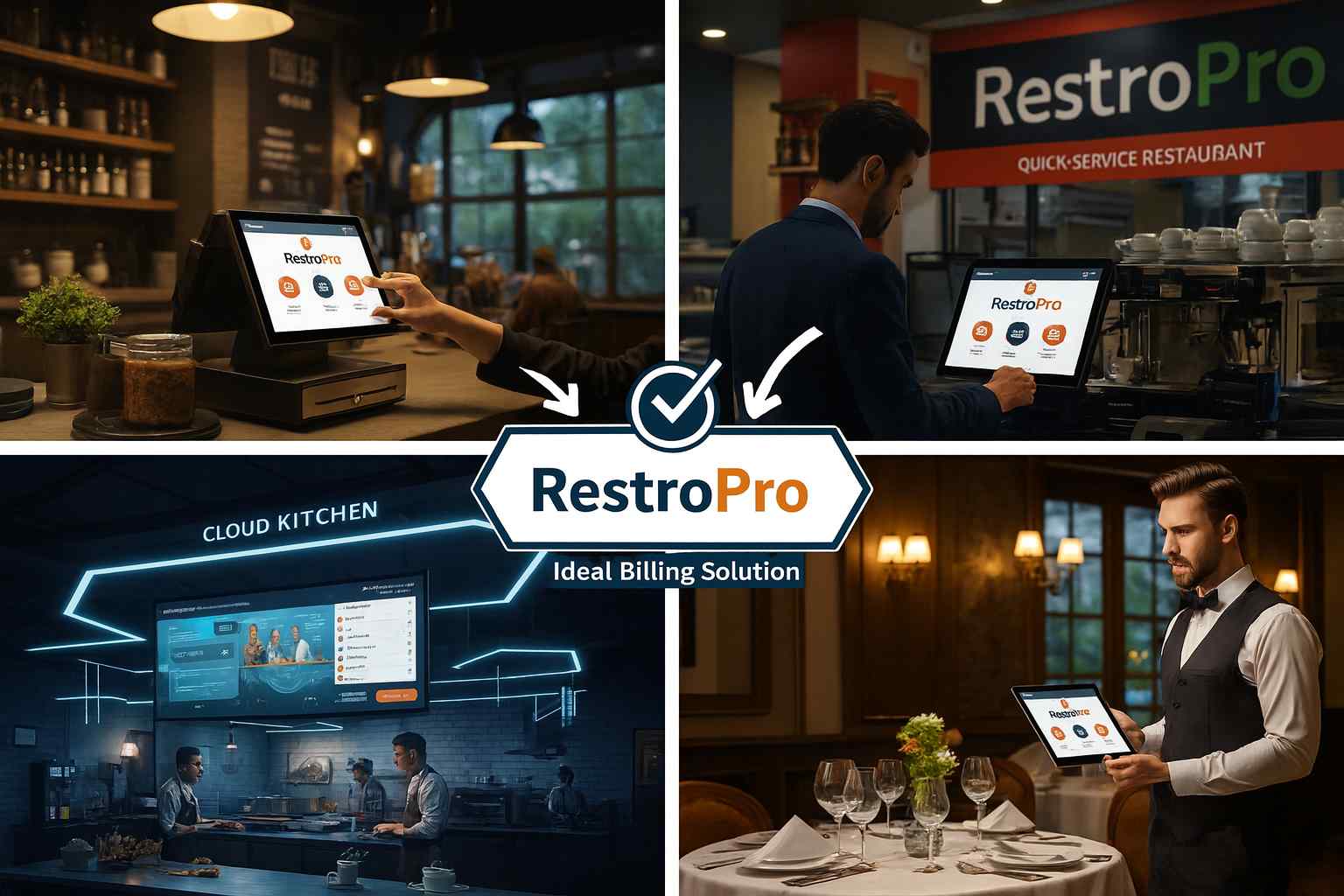

The restaurant industry is evolving faster than ever. Customers expect quick service, accurate billing, seamless ordering, and hassle-free dining experiences. Whether it’s a cozy café, a high-traffic Quick Service Restaurant (QSR), a delivery-driven cloud kitchen, or a busy full-service restaurant, smooth billing and streamlined operations are essential.
This is exactly where RestroPro, an all-in-one restaurant billing and management software, stands out. Designed to meet the real challenges of modern F&B businesses, RestroPro brings together billing, KOT, inventory, menu management, table management, and multi-channel order handling under one powerful platform.
Below is a deep dive into why RestroPro is the ideal billing solution for all types of restaurants — with more matter, more details, and more value-driven points, just as you wanted.
RestroPro is Built to Fit Every Restaurant Format
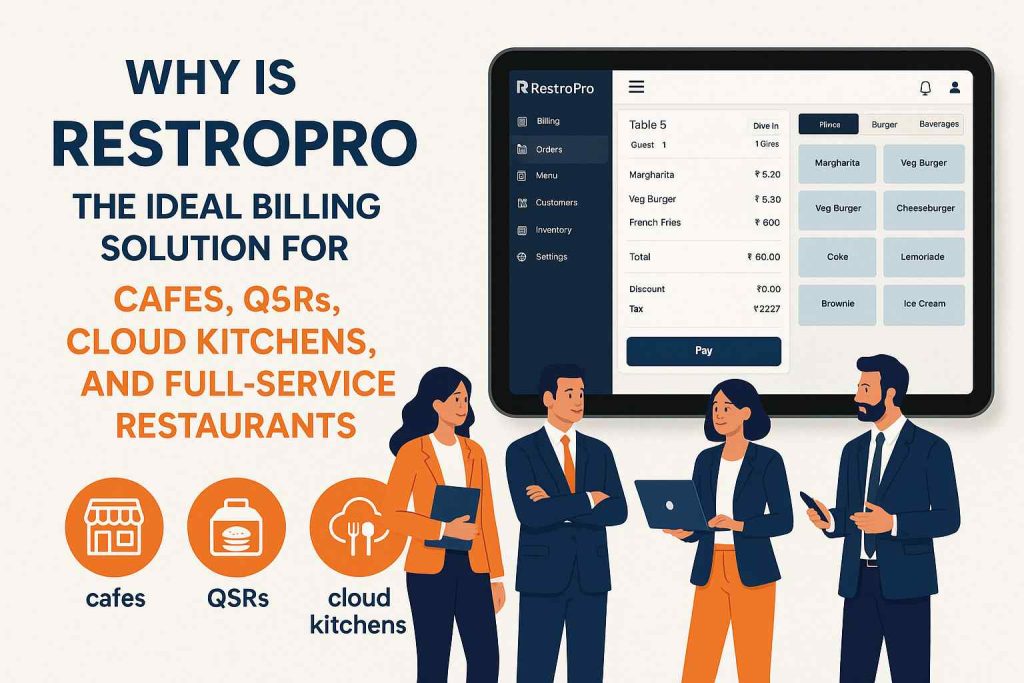
RestroPro is designed with advanced flexibility so it can adapt to any type of food business — from small cafés to large dine-in restaurants. Every segment works differently, and RestroPro supports them all with industry-specific workflows.
How RestroPro Fits Different Restaurant Models
| Restaurant Type | Unique Needs | How RestroPro Solves It |
|---|---|---|
| Cafés | Fast billing, beverage variants, combos | Instant billing, variants (S/M/L), toppings, add-ons, combo creation |
| QSRs | High-speed order punching, queue handling | One-tap KOT, quick search, auto combo suggestions, queue management |
| Cloud Kitchens | Online order integration, recipe automation | Swiggy/Zomato/Dunzo integration, recipe-based stock deduction, status updates |
| Full-Service Restaurants | Table service, steward coordination | Digital floor map, steward-wise orders, table transfer/split bill |
Cafés — Built for Speed, Variants & Customization
Cafés often manage dozens of small orders every hour. RestroPro helps them maintain speed with instant billing, customizations for toppings, flavor variants, beverage sizes, and easy combo creation. It allows café staff to handle a high volume of orders smoothly without slowing down workflow.
QSRs — Designed for Ultra-Fast Order Punching
Quick Service Restaurants must deliver fast service without mistakes. RestroPro supports them with rapid item search, KOT punching in seconds, queue management, and auto-suggested combo items, ensuring high-speed operations even during peak hours.
Cloud Kitchens — Centralized Online Order Management
Since cloud kitchens depend fully on delivery, RestroPro becomes their command center. It integrates with online aggregators, centralizes all incoming orders, updates order statuses automatically, manages recipe-based stock deduction, and speeds up kitchen workflow.
Full-Service Restaurants — Smooth Table & Steward Management
Dine-in restaurants rely on accurate table service. RestroPro gives them a digital floor map, steward-wise order-taking, kitchen routing, multi-course KOTs, table transfer, table merging, and split billing — keeping dine-in service completely organized.
Lightning-Fast Billing That Keeps Operations Moving
Billing speed is one of the most important factors in customer satisfaction. RestroPro’s interface is built to process orders instantly, even when the restaurant is crowded.
It automatically handles taxes, supports saved modifiers and add-ons, offers quick-search capabilities, and accepts multiple payment modes including UPI, card, cash, and mixed payments. This ensures customers move through queues faster, tables free up quicker, and staff spend less time struggling with billing delays. RestroPro ensures that even peak-time operations stay smooth and stress-free.
Smart KOT Automation for Zero Kitchen Miscommunication
Kitchen delays and errors often happen because of poor communication. RestroPro’s KOT automation completely eliminates this problem by sending clear, automatically routed KOTs directly to the correct kitchen section.
Every order item is mapped to its designated area — beverages, grill, tandoor, bakery, fryer, etc. Special instructions like “extra spicy,” “no onion,” or “add cheese” are printed clearly. If the restaurant uses a KDS (Kitchen Display System), the chef sees real-time updates, pending items, and preparation priorities.
This ensures faster preparation, fewer mistakes, and a much smoother kitchen workflow.
Multi-Channel Order Handling in One Unified System
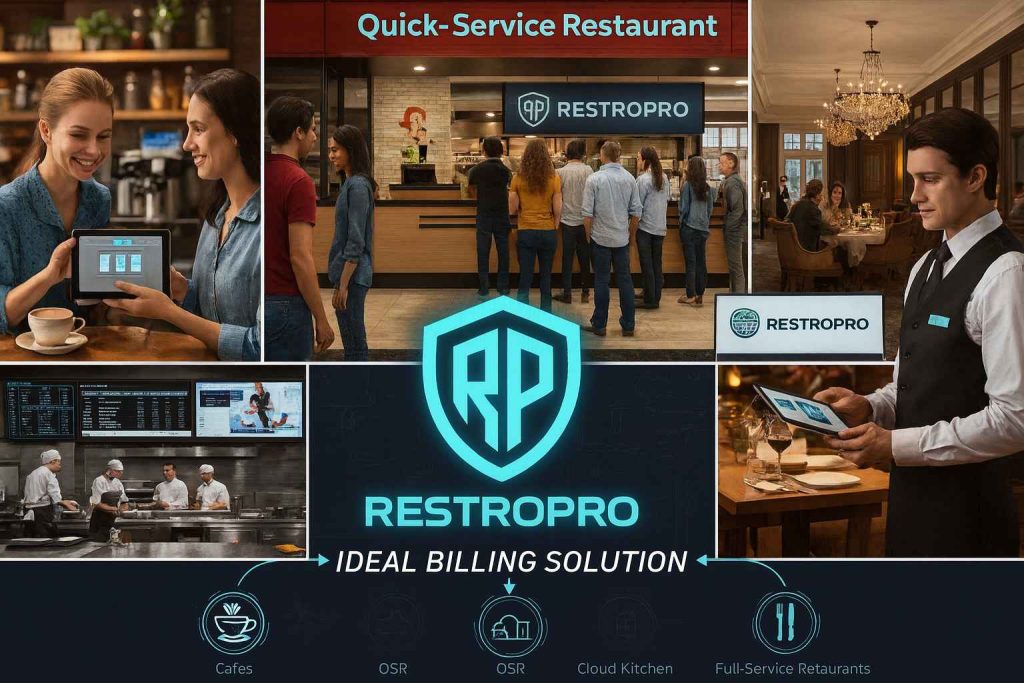
Modern restaurants don’t operate from just one channel anymore. They manage dine-in, takeaway, delivery, and online orders simultaneously. RestroPro centralizes all these channels in one place.
Dine-In Orders — Table-Wise Tracking (Full Expanded Version)
Dine-in operations are the heart of any full-service restaurant, and managing them smoothly requires proper organization, real-time visibility, and flawless communication between the service staff and the kitchen. RestroPro’s table-wise tracking system is designed specifically to make dine-in service highly efficient and effortless. With a clear digital floor layout, each table is displayed with its live status—whether it is occupied, reserved, available, or waiting for service. As soon as guests are seated, stewards can assign the table and start taking orders immediately, ensuring faster response time.
During service, every item ordered is linked to that table, allowing staff to monitor preparation status, KOT status, and serving progress without confusion. If guests request changes—like moving to another table or merging tables—RestroPro handles it instantly while keeping the entire order intact. This streamlined dine-in flow eliminates confusion, prevents duplicate KOTs, and enhances overall guest satisfaction by ensuring timely service.
Takeaway Orders — Fast & Accurate Counter Billing
Takeaway customers expect speed. RestroPro offers a dedicated takeaway mode that allows staff to punch orders instantly, generate KOTs quickly, and hand over bills within seconds. This minimizes waiting time and ensures a smooth counter experience.
Delivery Orders — Complete Workflow Control
RestroPro captures customer address, phone number, delivery timing, packing notes, and rider assignment. This eliminates manual paperwork and reduces errors, ensuring accurate, timely deliveries.
Online Orders — Integration with Zomato, Swiggy, Dunzo
For restaurants using online aggregators, RestroPro integrates all platforms into one dashboard. Orders flow automatically into the system, avoiding manual entry mistakes and ensuring faster kitchen preparation.
Order Handling Comparison Before vs After RestroPro
| Order Type | Before RestroPro (Manual Issues) | After RestroPro (Automated Workflow) |
|---|---|---|
| Dine-In | Confusion in tables, missing KOTs | Full table map, real-time tracking, zero confusion |
| Takeaway | Delays, wrong bills | Instant billing, fast KOT, accurate receipts |
| Delivery | Wrong addresses, missed notes | Full customer details, rider assignment, error-free |
| Online Orders | Manual entry errors, delayed prep | Auto import from Swiggy/Zomato, faster kitchen output |
Advanced Menu Management with Full Real-Time Control
Restaurants often change their menu based on seasons, availability, pricing, or promotions. RestroPro makes menu management extremely easy with live updates.
Owners can modify item prices, enable or disable dishes, create combos, apply add-ons, and manage categories instantly — and all changes update automatically across every terminal, KOT, and delivery channel.
Cafés benefit from variant pricing (S/M/L drinks), QSRs from combo creation, and restaurants from multi-course structuring. This flexibility keeps operations aligned with business strategy.
Inventory & Stock Management That Prevents Wastage
Restaurant inventory changes fast, and manual tracking often leads to losses. RestroPro solves this with real-time inventory tracking, recipe-based stock deduction, purchase management, wastage entry, and stock alerts.
It helps restaurants reduce overstocking, theft, leakage, and food wastage. With ideal vs actual consumption reports, owners can see exactly where their costs are going and how to improve profitability.
Powerful Table Management for Full-Service Restaurants
Full-service restaurants rely on organized table operations. RestroPro provides a full digital layout showing table occupancy, reservation status, steward assignment, pending KOTs, and billing status.
It supports table transfer, table merging, multi-table service, split bills, and running orders — allowing staff to handle multiple guests efficiently. This reduces confusion during peak hours and enhances service quality.
Real-Time Business Reporting for Better Decisions
RestroPro provides deep insights into daily performance, including sales trends, payment mode patterns, top-selling and low-selling items, staff performance, category-wise sales, and branch-wise comparisons.
Owners can easily understand peak hours, customer behavior, profitability trends, and wastage levels. These insights help restaurants make smarter decisions and scale their business with confidence.
FAQs – RestroPro Restaurant Billing & Management Software
What makes RestroPro different from other restaurant billing software?
RestroPro stands out because it is not just a billing solution—it is a complete restaurant management ecosystem. While most billing software focuses only on printing bills or basic POS operations, RestroPro covers the entire end-to-end workflow: order punching, KOT automation, table management, delivery management, inventory handling, online aggregator integration, reporting, and staff performance tracking. It adapts perfectly to cafés, QSRs, cloud kitchens, and full-service restaurants with industry-specific modules. Its flexibility, speed, and reliability make it a superior solution compared to standard POS systems.
Can RestroPro handle dine-in, takeaway, delivery, and online orders in one system?
Yes. RestroPro is specifically designed to unify all order channels into one clean dashboard. Dine-in orders are tracked table-wise using a digital floor layout. Takeaway orders are processed in seconds at the counter. Delivery orders include address, customer details, and rider assignment. Online orders from Zomato, Swiggy, and Dunzo integrate directly into the system without manual entry. This multi-channel order management reduces operational chaos and ensures smooth service throughout the day.
Does RestroPro support kitchen automation like KOT and KDS?
Absolutely. RestroPro supports fully automated Kitchen Order Tickets (KOTs) and is compatible with Kitchen Display Systems (KDS). When an order is punched, it automatically routes to the correct kitchen section—such as tandoor, grill, fryer, beverage counter, or bakery. All special instructions like “extra cheese,” “no onion,” or “spicy” are printed clearly to avoid mistakes. If the restaurant uses a KDS screen, chefs can track pending, ongoing, and completed orders in real time. This greatly improves efficiency and eliminates miscommunication.
Is RestroPro suitable for cloud kitchens that rely heavily on online delivery platforms?
Yes, RestroPro is highly optimized for cloud kitchen operations. It integrates all online delivery platforms (Swiggy, Zomato, Dunzo, etc.) into one centralized system. It also offers recipe-based stock deduction, auto KOT routing, preparation time tracking, and delivery workflow management. Since cloud kitchens function without dine-in service, the platform becomes the central operating hub, improving accuracy, speed, and consistency during peak delivery hours.
What kind of reporting and analytics does RestroPro provide?
RestroPro offers a comprehensive reporting dashboard that includes hourly sales trends, category-wise sales, top-selling and low-selling items, payment mode analysis, staff performance reports, inventory consumption, wastage details, branch-wise comparisons, and profit indicators. These reports help owners understand customer behavior, identify peak times, manage stock better, and make data-driven business decisions. Everything is available in real time, even across multiple branches.
Can I manage inventory and stock with RestroPro?
Yes. RestroPro includes a complete restaurant inventory management system with raw material tracking, purchase order creation, vendor management, GRN (Goods Receipt Note) entry, wastage recording, and stock alerts. Recipe mapping allows automatic stock deduction based on each sale. This ensures that inventory levels remain accurate, reduces wastage, and helps restaurants maintain profitable stock control.
Does RestroPro support multiple payment methods?
RestroPro supports all major payment modes including cash, UPI, debit/credit card, wallets, and mixed payments. This gives customers flexibility and ensures faster checkout. Restaurants can also track payment trends to understand which modes perform best during peak hours.
Can I use RestroPro in multiple branches or outlets?
Yes. RestroPro supports multi-outlet setup with central control. Owners can manage menus, pricing, inventory, staff permissions, and reporting across all outlets from one place. Branch-wise comparisons make it easier to analyze performance and identify improvement areas. Whether you operate a single café or a chain of restaurants, RestroPro scales effortlessly.
Is RestroPro easy for staff to learn and use?
Absolutely. RestroPro is designed with a clean, intuitive interface that requires minimal training. Staff can quickly learn how to punch orders, print KOTs, process bills, and manage tables. Because the system reduces manual steps, the overall work becomes smoother and more efficient for both new and experienced employees.
Does RestroPro support add-ons, variants, and combo meals?
Yes. RestroPro allows restaurants to fully customize their menu by enabling add-ons (extra cheese, toppings, sauces), variants (small, medium, large), and combo meal structures. This is especially useful for cafés, QSRs, and fast-food businesses that sell customizable items or bundled meal offers.
Can RestroPro reduce operational mistakes and human errors?
Yes, significantly. Automated KOT routing, table-wise order tracking, recipe-based inventory deduction, real-time updates, and centralized order processing ensure high accuracy. Manual errors like wrong KOT printing, double entry, incorrect billing, and miscommunication are minimized drastically. This leads to faster service, fewer complaints, and better customer satisfaction.
Does RestroPro work offline?
RestroPro offers both online and offline capabilities (based on package selection). Even if the internet goes down, the billing counter can continue operating. Once the connection is restored, the system syncs automatically. This ensures uninterrupted business operations.
How secure is my restaurant’s data on RestroPro?
RestroPro uses secure, encrypted data storage and controlled access permissions. Owners can create multiple user roles with restricted access to prevent unauthorized actions. Data backups ensure that your information is always safe and recoverable.
Can RestroPro improve customer experience?
Yes. Faster billing, error-free KOTs, timely food preparation, smooth table service, and accurate delivery operations all contribute to a better customer experience. When a restaurant runs efficiently, customers enjoy faster service, consistent quality, and overall satisfaction — leading to repeat business and positive word of mouth.
How easy is it to get started with RestroPro?
Getting started is simple. The setup process includes menu creation, configuration of KOT sections, adding staff roles, setting tax rules, and installing the POS modules. Training is provided for your team, and the system can be customized according to your restaurant’s requirements. Within a short time, your restaurant can go live and start operating smoothly with RestroPro.
Schedule Your Free Demo Today!
Company: Zymofar Dynamic Products Pvt. Ltd.
Location: Bangalore, India
Call / WhatsApp: +91 7090335533
Website: www.zymofar.com